
Introducing AI at work: test one task before scaling
How to validate an AI implementation on one task: record results, prepare examples, and compare quality, time, and costs before scaling the project.
 trike_devTelegram ↗
Practical guides, checklists and worked examples for choosing and launching websites, customer portals and automation.
96 articles
How to validate an AI implementation on one task: record results, prepare examples, and compare quality, time, and costs before scaling the project.

Which business products make sense to start with AI, where a technical specialist is needed, and how to tell a working demo from a finished system.

How to start automated email processing: extract data from the request, display gaps, and pass a draft to an employee. Boundaries of the first pilot.

How to use AI to prepare requests and cross-check documents while keeping sources, human review and control over commercial data.

A small AI assistant parses incoming requests, shows the source of every field and prepares a card for review while keeping your existing records intact.

How to connect balances in your accounting system, client promises and managers' tasks. AI helps parse correspondence and prepare an action for each debt.

How to turn suppliers' different PDFs, emails and spreadsheets into a verifiable comparison against a single site requirement.

What automation support includes: error monitoring, access, updating rules and documents. How to agree on support after the project is handed over.

How to compare an off-the-shelf feature with custom development, calculate costs for a year and decide in advance when a project should be stopped.

How to check automation effectiveness: compare time, corrections and ongoing costs. Why freed-up hours do not equal cash savings.

What to prepare for an automation brief: the task's route, roles, data, exceptions and a verifiable result. An example for a small company.

How to check counterparties, products, units and versions before integration. AI suggests matches, employees confirm changes.

How to test a business network launch in a narrow group: choose a useful scenario, collect confirmed projects and measure repeat use.

How to use a business relationship map to find experience and recommendations while keeping the context, provenance and currency of the information.

How to make business transparency useful for sales: disclose confirmed information to the right people and manage access to the details.

How to display order status in a client dashboard: clear stages, up-to-date documents, and the next step. What to verify during manual and automated updates.

How a contractor's manager can spot cost overruns early and recalculate the remaining work without confusing costs with payments.

How not to mix up the technical decision, scope approval and price approval. A register of additional work for industrial and engineering contractors.

How to link a site's requirement, the buyer's work and actual receipt of materials. What to consider with partial deliveries, substitutions and client-supplied materials.

How to see, alongside a project's profit, the dates when a contractor will need money to keep the work going.

Why it is hard for a buyer to assess a contractor's work quality before a deal, and what evidence helps compare contractors.

How to automate document preparation: select one template, identify field sources, and configure verification. Where AI adds value and what should remain with the employee.

A practical registry structure for carriers or forwarders: client request, confirmed conditions, execution status, and exception queue.

How to proactively identify missing documents and remarks, separate uploading, review, and approval workflows. A practical register structure for a contractor’s engineering and documentation team.

How a installation contractor can connect the site, supply chain, engineering and documentation team, and project manager through a single workflow without replacing all accounting systems.

How to make a report from an industrial site useful for the project manager: linking completed work, resources, obstacles, and next steps.

What to plan for when exchanging data: record confirmation, error queues, resending, and duplicate protection. A checklist for process owners.

How to prepare an internal knowledge base for an AI assistant: select documents, manage access rights, and verify answers with source links.

How to organize employee request tracking: form, category, responsible party, statuses, and history. What is needed for the first version of an internal service.
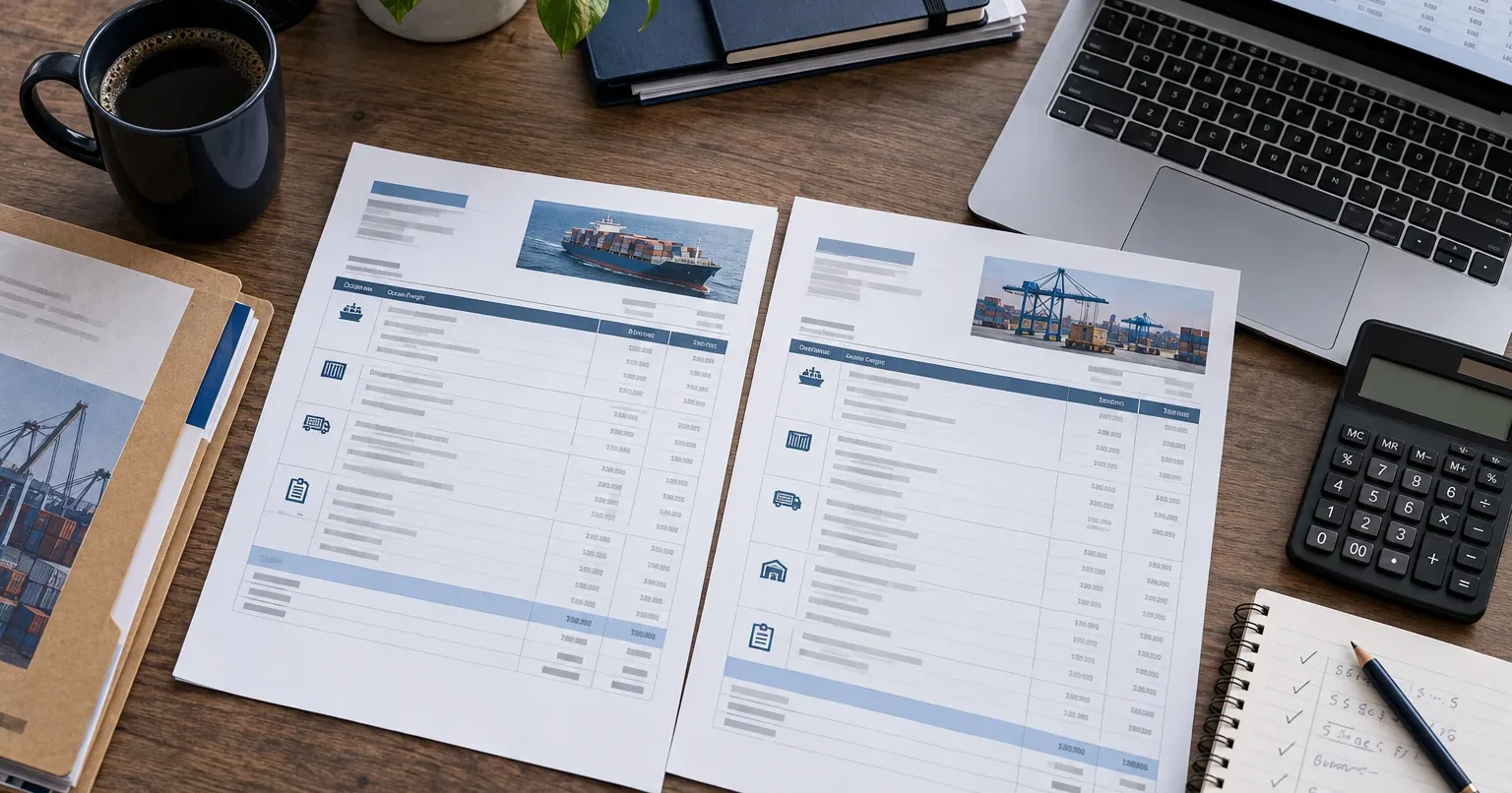
How to align carrier and agent proposals for comparison, identify exceptions, and document the basis for additional charges.

How to assemble a shipment from individual segments, preserve status sources, and promptly notify responsible parties of deviations.

How to see the shipping economics change before closing: original budget, new costs, margin forecast, and cash flow calendar.

How to organize document collection for international shipments, distinguish file availability from verification, and maintain an approval history.

How to measure AI effectiveness on real tasks: account for verification, corrections, quality and cost, without substituting measurement with feelings.

What to include in the first version of service request tracking: request card, responsible person, statuses, and history. Without complex route planning.

How to choose the first automation task: evaluate repeatability, describe the result, and limit the implementation scope without restructuring the entire company.

How to match an invoice with the order and actual receipt, identify discrepancies and potential duplicates. A practical scenario built on top of existing accounting.

How to explain changes in service costs: showing the scope of work, version comparisons, reasons for growth, and options for the client.

What data to show the client, how to separate access rights, and where a neural network can help answer shipping questions based on verified events.

How to choose a work area that can be improved with a single service, and avoid starting by developing your own system to manage all shipments.

How to verify a contractor's experience based on context, role, and project outcome when stars and general reviews fail to help make a decision.

The procedure for approving additional work: what must be included in the request, how to approve part of the items as a client, and why procurement cannot start before approval.

How to compare a ready-made configuration system, an accounting system modification, and custom development: selection criteria, questions for the supplier, and rule preparation.

How to choose between a set of ready-made services, automation workflows, and a custom platform for content production: indicators, questions, and honest limitations.

Where content posts and videos actually get stuck: facts, approvals, versions, and schedules. Why text generation doesn't solve these issues and what to check in your own workflow.

How the configurator translates client requirements into a bill of materials, checks compatibility, documents engineer exceptions, and issues a quotation version confirmed by the client.

How to transform one expert interview into a series of posts and short videos: fact cards, material assembly, expert version approval, editing plan, and publishing.

How to distribute project data between the accounting system and the change management system: who stores estimates, who handles procurement, where to track cost forecasts, and how to avoid maintaining the same data twice.

Why minor project changes erode margins, what costs are usually overlooked, and how to calculate the impact of a change on revenue, expenses, and timeline before responding to the client.

Where time is lost between a client inquiry and an equipment quote, why selection rules live in engineers' heads, and how to check for bottlenecks.

What distinguishes a ticketing system from a partner portal, how to identify when your service network outgrows basic tickets, and how to choose between an off-the-shelf product and custom development.

How to distribute repair responsibility between the manufacturer, seller, service partner, and client, and which questions to document before the first warranty claim.

Warranty repair stages via a service partner: from warranty verification and assignee appointment to client acceptance and single settlement with the partner.

It makes sense to compare the cost of a website together with the result: which pages, materials, connections and post-launch work are included in the proposal.

We break down a clinic website budget by the volume of services, doctors, booking and content. What to compare in estimates and which costs arise after launch.

The cost of a flower shop website depends on the rules for ordering, delivery, payment and inventory. How to separate launching a catalog from full online selling.

What makes up a restaurant website budget: menu, orders, delivery, payment and connection to internal systems. How to compare proposals.

In wholesale, a cart can collect a request rather than take payment. How to choose a scenario when price, availability and terms need confirmation.

How to compare the budget for an account with requests, documents and CRM exchange. We look at the boundaries of work that you need to see in a contractor’s proposal.

Which data to pass from a form to a CRM, how to detect lost inquiries and what to check beyond a new record appearing.

A catalog of houses should help compare options and understand the boundaries of the offer. What to disclose about the design, the package and the inquiry for a construction company.

The choice between a landing page and several pages depends on the company’s offers and the buyer’s path. We look at situations where each format is appropriate.

How to organize services, doctors, branches and booking so that visitors find the information they need and staff can keep it up to date.

When a flower shop needs only a catalog with requests, and when it needs a cart, payment and delivery. We choose based on how orders are processed.

How to set up a menu for choosing and ordering: portions, required add-ons, different prices and temporarily unavailable dishes.

A procurement specialist needs to understand whether a specific product fits and which terms to clarify. How to bring the designation, specifications, documents and request together in one card.

How to organize access for employees of one company to requests and documents so that a shared account does not turn into a shared password.

Why passing a form and two-way exchange have different budgets. How to estimate an integration by data, exceptions and maintenance.

A calculator can give a preliminary guide or collect input data. How to define the boundaries of a construction calculation and not promise an exact estimate without grounds.

A ready-made platform and custom development solve different tasks. We compare limitations, site management and the cost of changes without arguing about technology.

An inquiry form, a ready-made widget and a connection to the medical system solve different tasks. We look at how to choose a booking method and test how it works.

How to collect buyer and recipient details, calculate delivery and show the order summary for flowers. What to do with an unknown address and an unavailable time slot.

How to connect a restaurant’s cart to order handling: zones, timing, pickup, confirmation and what happens when something changes.

Useful filters reflect how buyers choose and how good your data is. How to define parameters, organize part-number search and avoid overloading a B2B catalog.

When limited CRM access is enough for partners, and when a separate portal makes the work clearer.

How to choose between configuring your existing CRM and a separate approval service. We look at roles, returns and exceptions in the process.

To get a useful website estimate, it is enough to describe your business, customers, the actions you need and your constraints. Here is the input that even a detailed specification cannot replace.

How to determine the scope of a clinic website update: preserve useful pages, migrate data, and verify the contact path without losing existing workflows.

How to gather photos, compositions, size options and substitution rules for a bouquet catalog. Preparing data that a store employee can update.

Why a form on your website does not yet constitute a table reservation. How to choose between a request with administrator confirmation and automated availability-based booking.
Catalog launch depends on the quality of the source table. How to prepare SKUs, categories, specifications, prices, and documents for initial population and updates.

How to compare a ready-made service and custom development across mandatory processes, constraints, costs, and the ability to switch tools.

Where an AI assistant is useful on a business website, when it should transfer the conversation to an employee, and how to verify answer quality before launch.

Estimates should be normalized to a single scope of work. We examine how to identify differing assumptions, separate payments, and liabilities before signing a contract.
What to place on doctor and service pages, how to link them together, and how to help visitors clarify appointment terms without making promotional promises.
What exactly should be linked to the flower shop's accounting system: products, components, prices, and orders. How to determine the data source and handle errors.

Website acceptance begins with actions by the client and staff. What to test on a mobile device, how to verify submissions, and what access rights to obtain before closing the project stage.

Information to gather before ordering a clinic website: objectives, services, doctors, booking process, materials and responsible parties. How to start without a large technical specification.

Pre-launch checks for a flower shop: catalog, pricing, fulfillment, payment, and staff workflows. How to process a complete order, including potential errors and constraints.

An outdated appearance does not always require a new website. Learn how to distinguish local issues from limitations that necessitate a complete overhaul.

When a Telegram in-app solution suits business needs, when an independent website is preferable, and why sometimes both formats are required with a unified order logic.

After development, there are ongoing payments for website operation and costs for modifications. What to pay regularly, what on request, and how to plan site ownership.

What to prepare on the site so that search engines can find it, and buyers get clear answers. Without promises of guaranteed inclusion in AI.

Orders, documents, statuses and support. How to choose account features that solve the recurring tasks of customers and your team.

Why interfaces that look the same can require different amounts of work, and which inputs help you get a useful estimate.
How to walk through the user journey, find unnecessary steps and agree on the first version of the product before work on the code begins.